¶ How to Create a Custom HTML Template
In addition to creating an email in the built-in email editor, EmailMassivo allows you to upload your HTML template and use it for campaign sends or API emails.
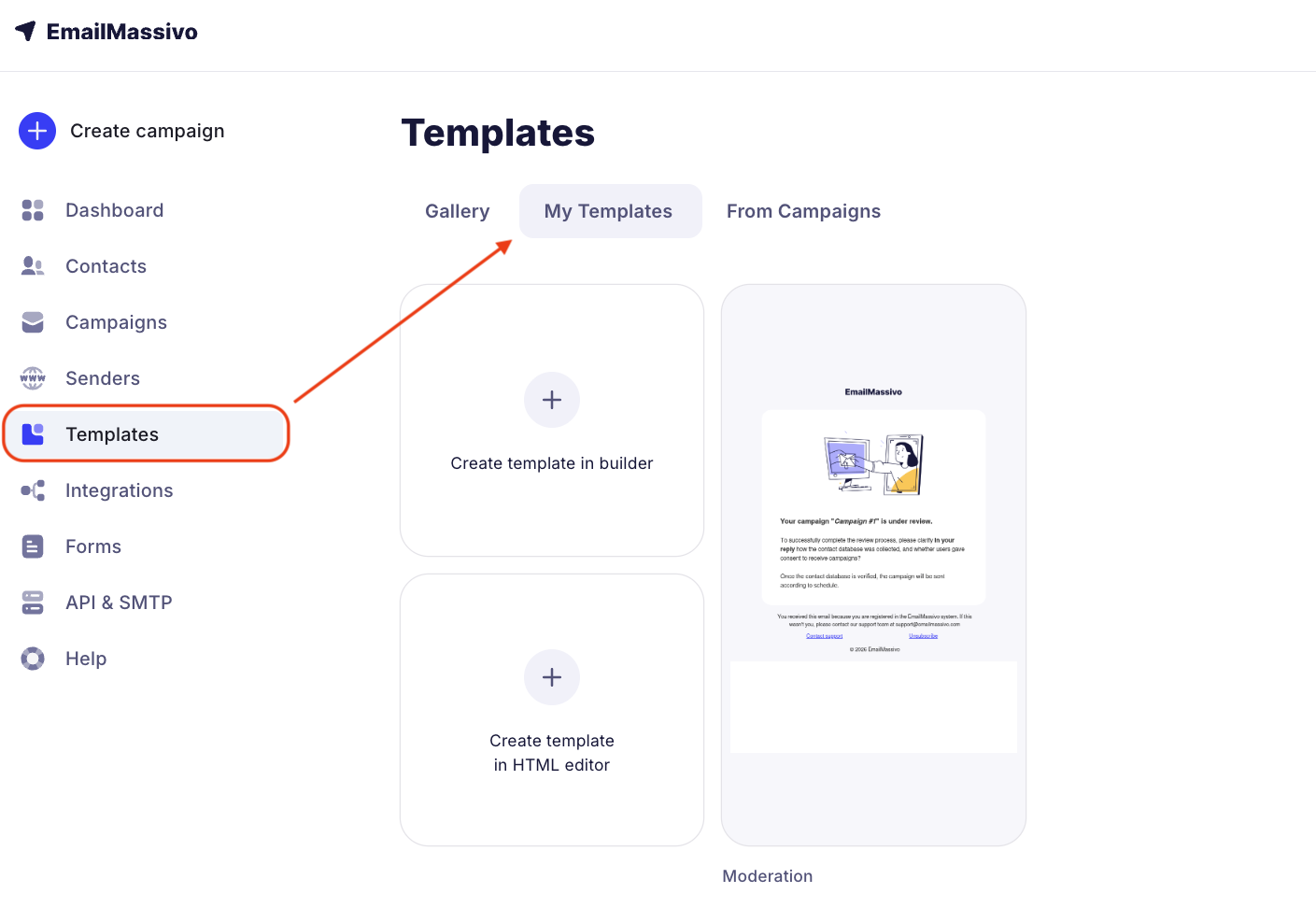
To create an HTML template in EmailMassivo, go to the "Templates" section → "Create template in HTML editor".
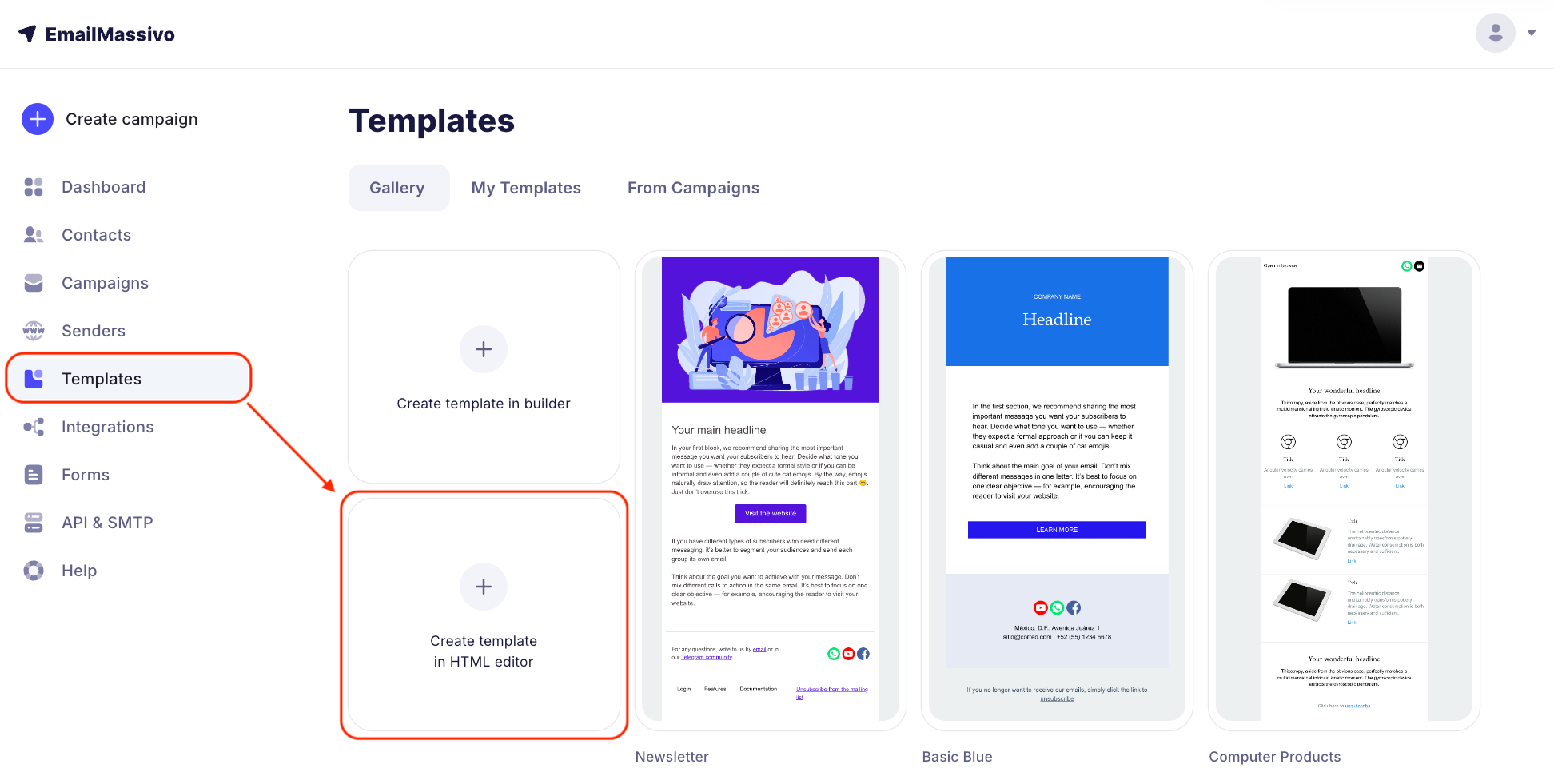
Insert your template code into the code editor.
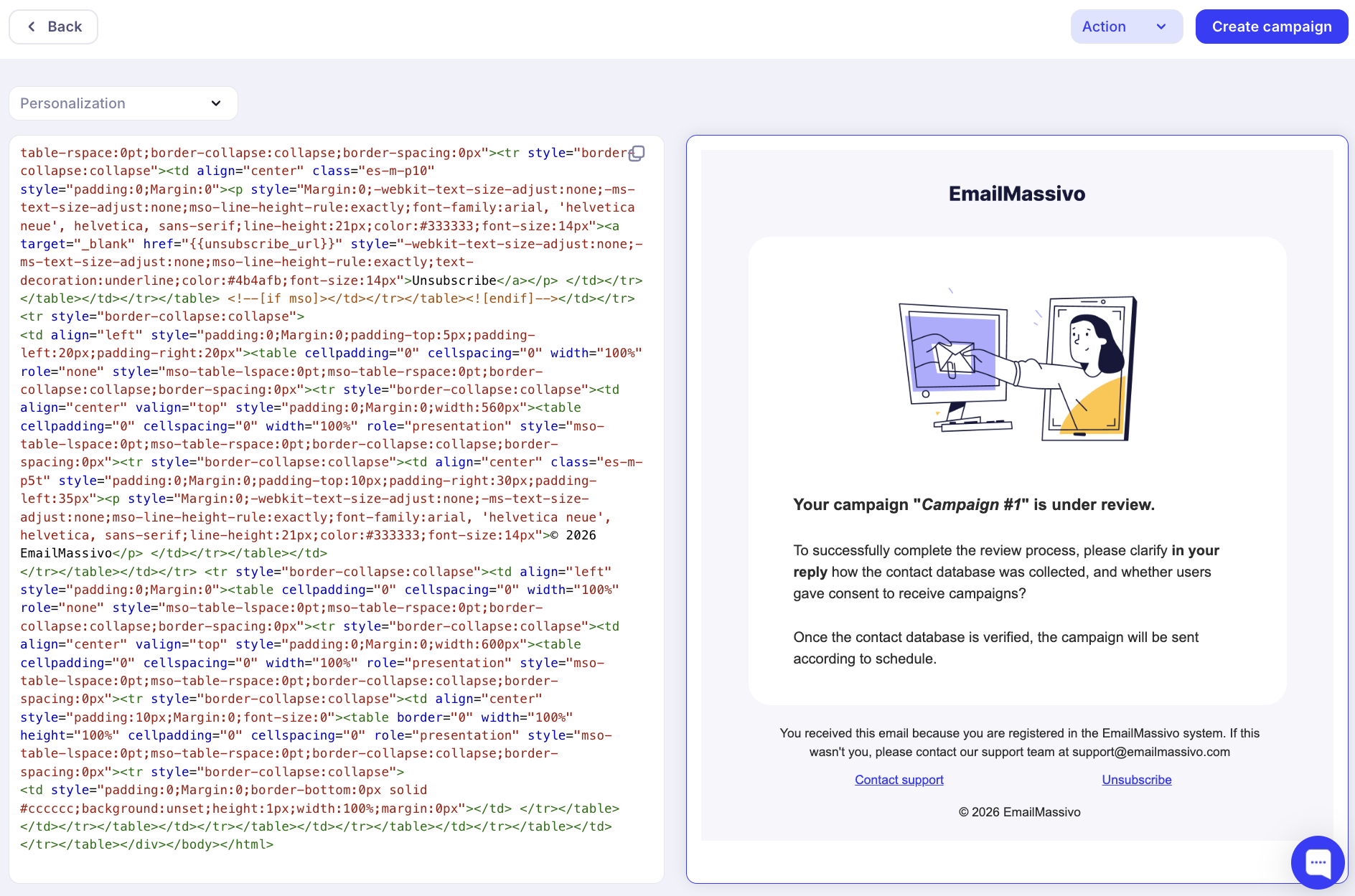
Done! On the right, you will see how your template looks. You can edit the code, add personalization, and see all changes immediately in the preview window. Don't forget to add an unsubscribe link to your email. Read more about how to do this in the guide.
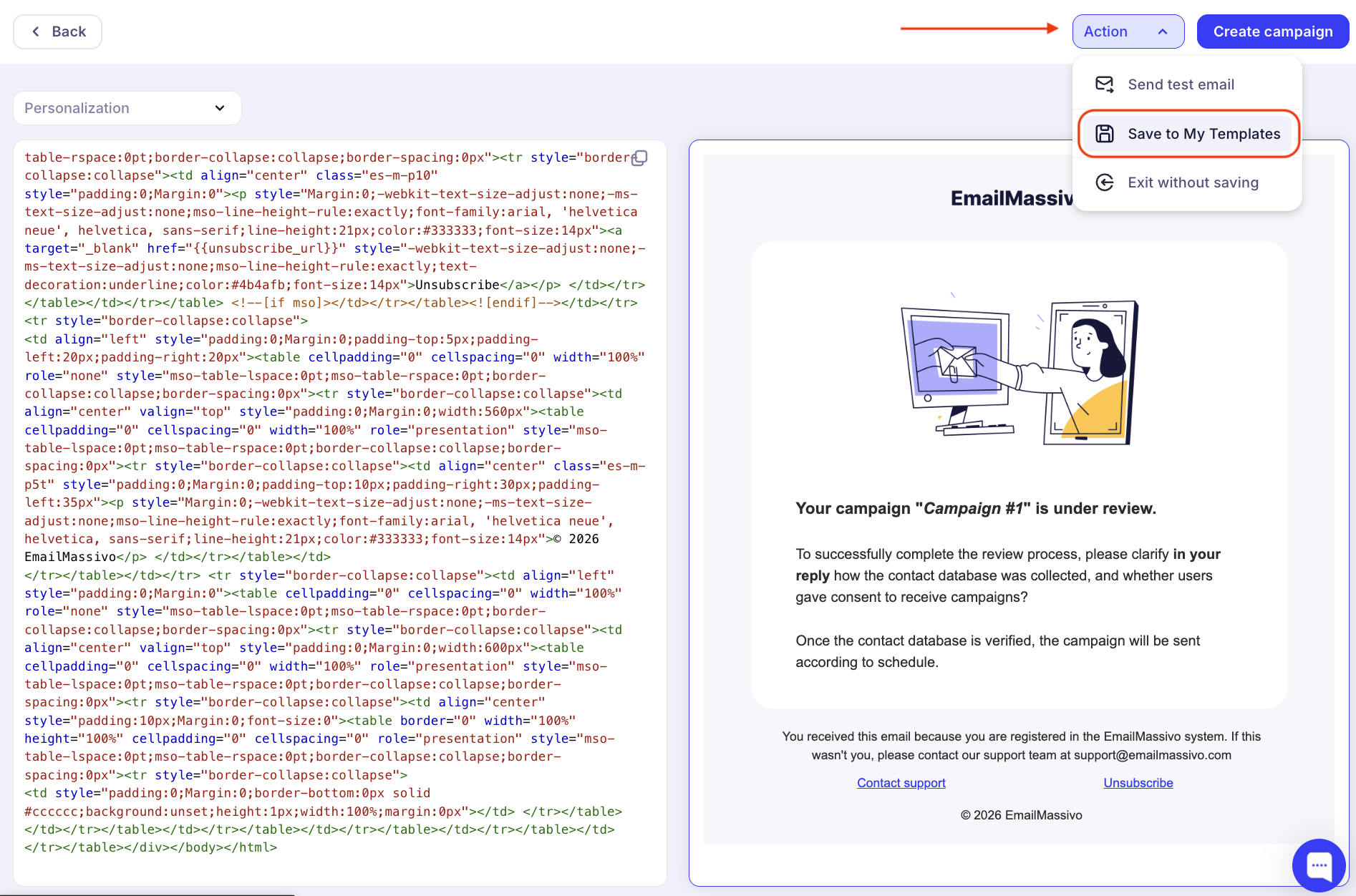
It is especially important to test HTML emails. You can send a test email to yourself to see how it looks. To do this, click the "Actions" button → "Send test email".
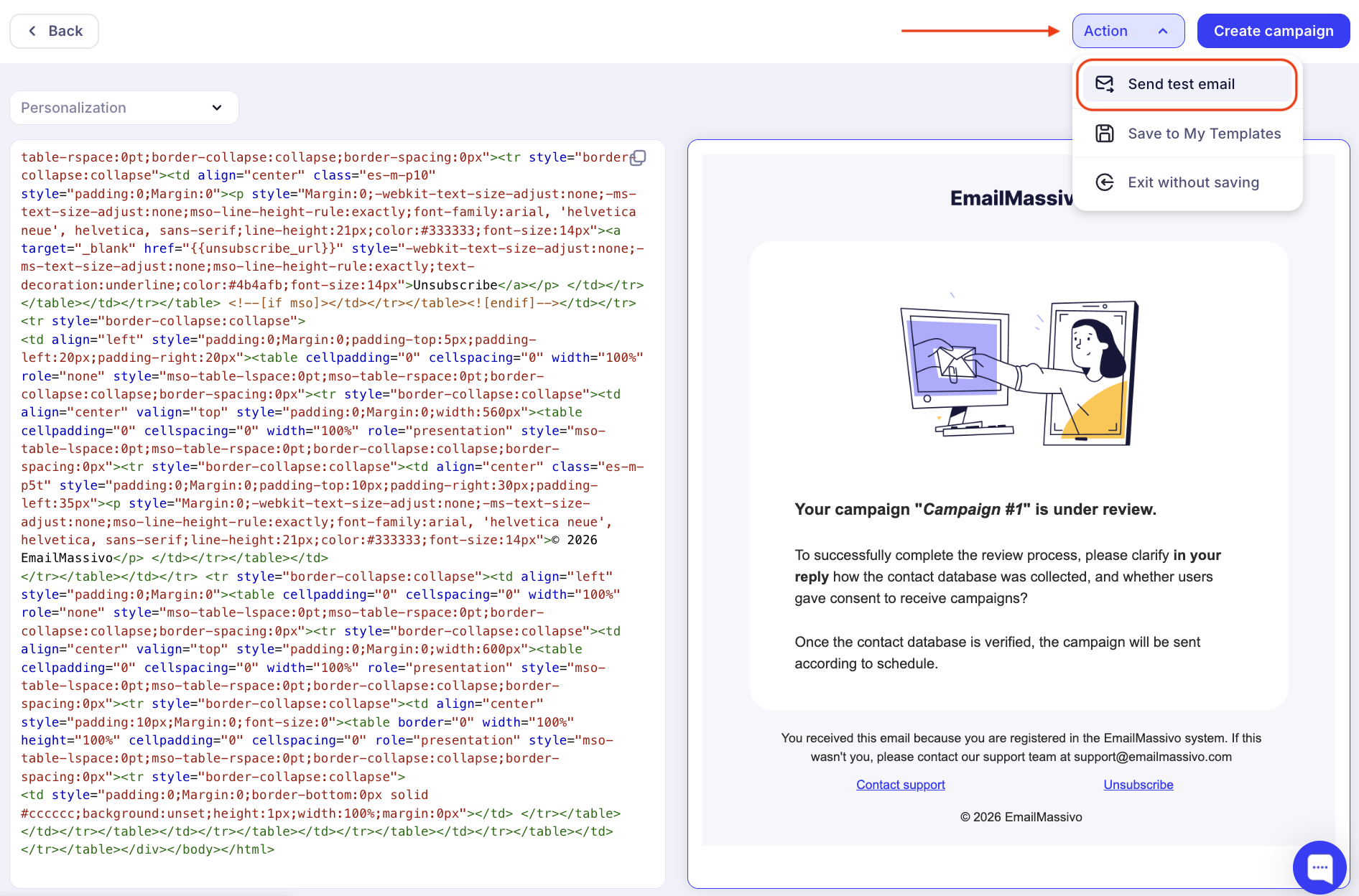
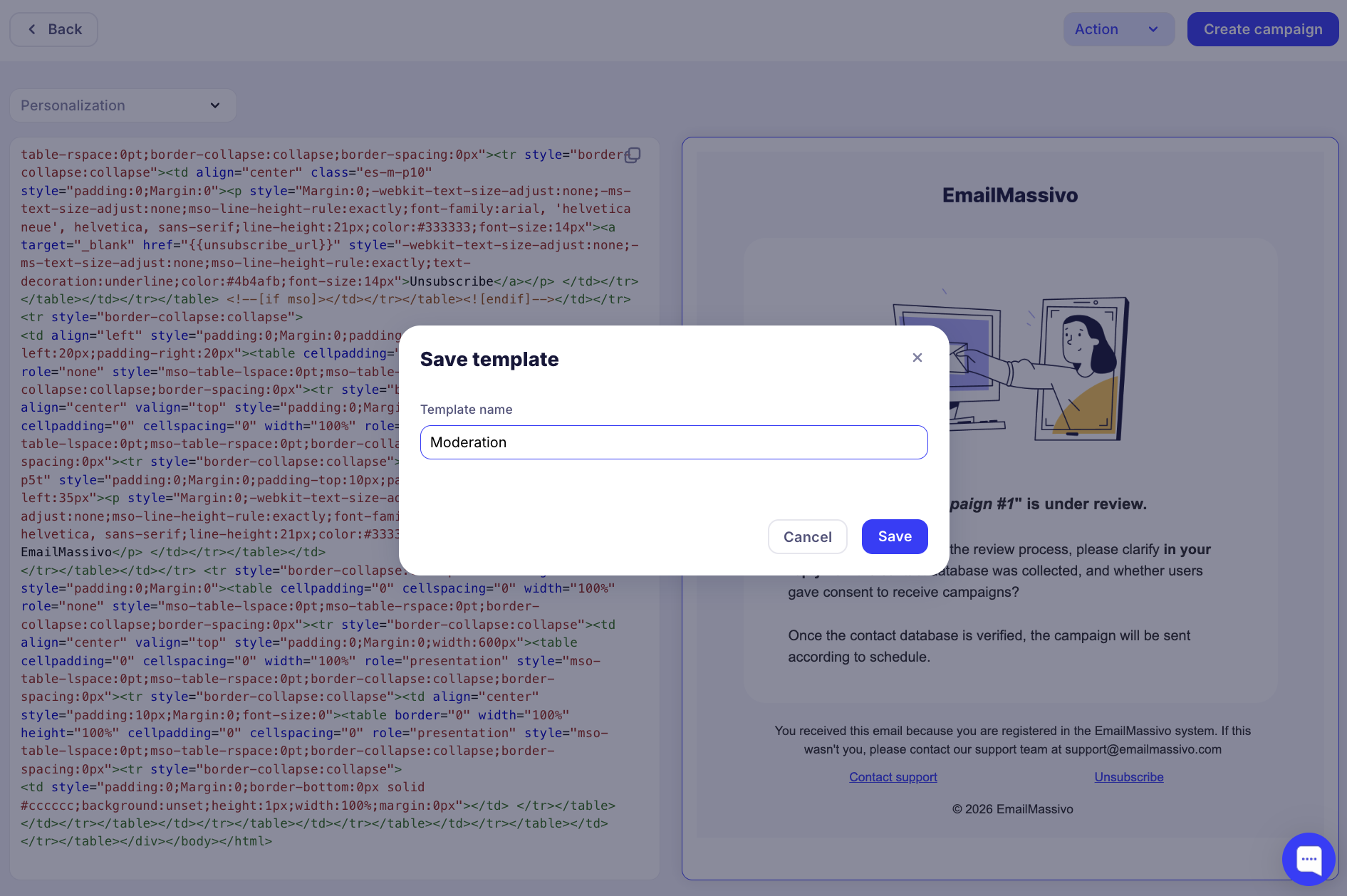
After making changes to the template, be sure to save it. To do this, click the "Action" button and then "Save to My Templates". Then specify the template name and click "Save" again.
Now the template will appear in the "My Templates" tab and can be used both in campaigns and in API.