¶ How to Add an Unsubscribe Link to an Email
¶ Unsubscribe Link in Block Editor
When editing or creating an email template in the editor or via HTML, you must add an unsubscribe link to the campaign. This link will allow the user to unsubscribe from your campaign via the link. The unsubscribe page is available in different languages, depending on the browser language.
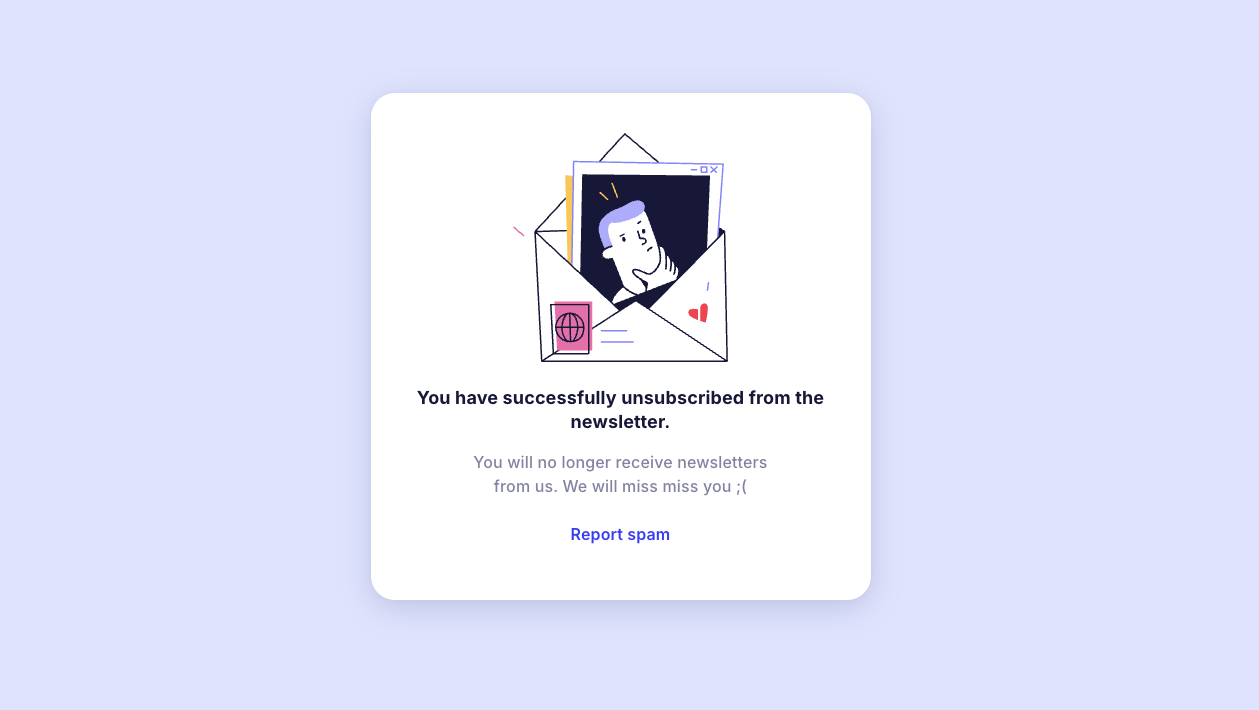
The unsubscribe page is automatically localized depending on the user's browser language. Example of unsubscribe page display:
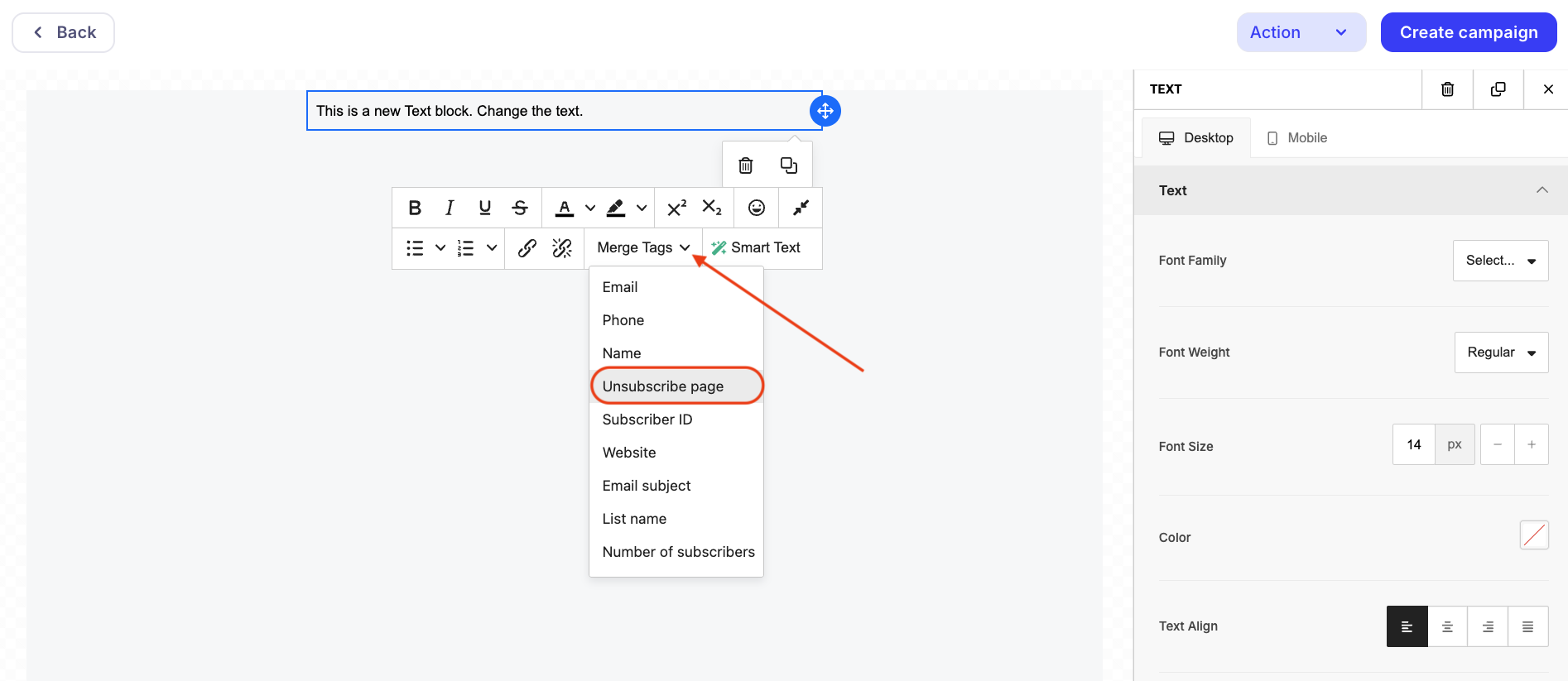
The "Unsubscribe Page" element is located in the "System Variables" dropdown menu when editing an email through the block editor.
Clicking the link will exclude the address from the recipient list.
Important!
Parameter substitution with a link will not occur when sending a test email.
You can insert an unsubscribe link using the "Text" element in any email block, but most often it is added to the footer.
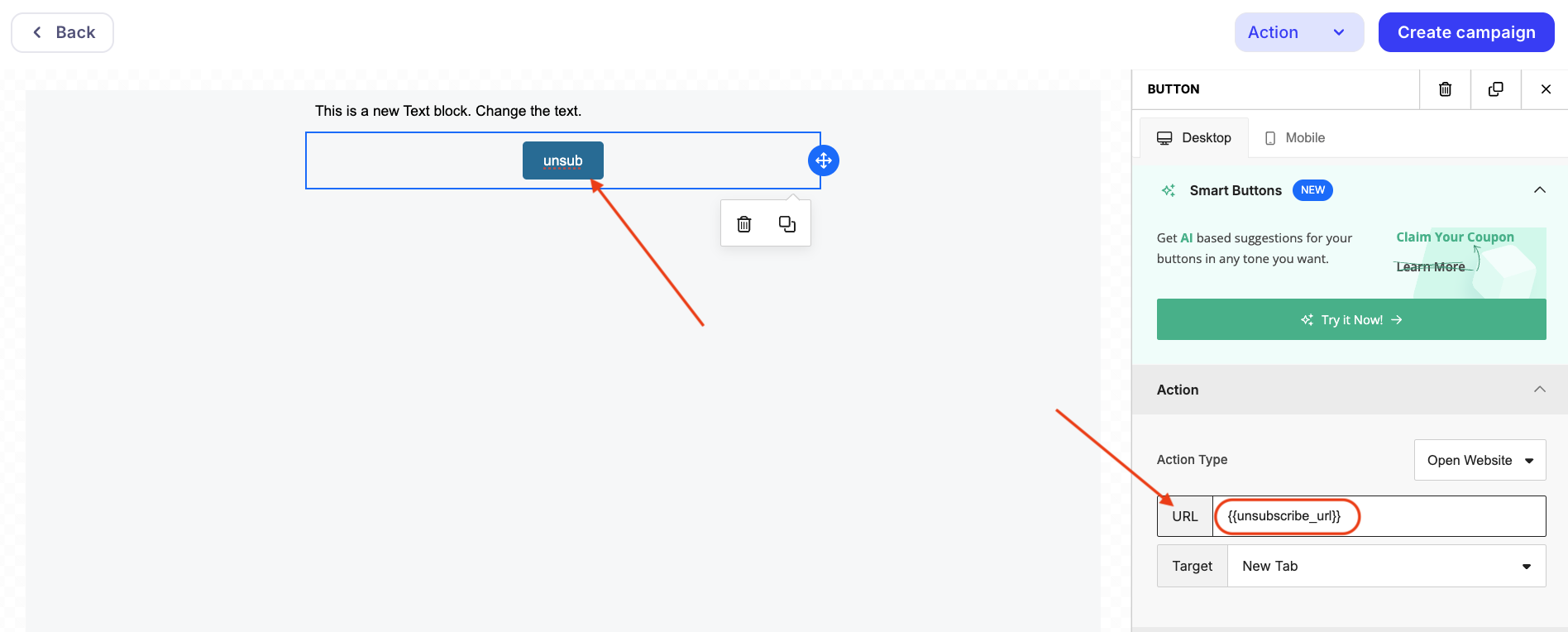
To add an unsubscribe link as a button, you can use the "Button" element. For the button to work correctly, select the action type "Open website" and specify the {{unsubscribe_url}} macro in the URL field.
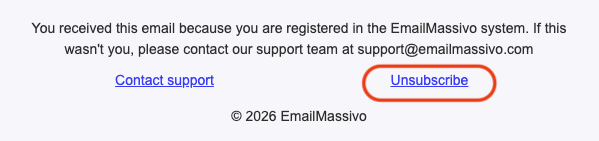
Example of displaying an unsubscribe link in a campaign:
¶ Unsubscribe Link in HTML Template
To add an unsubscribe link to a campaign in an HTML template, you need to specify the system variable {{unsubscribe_url}} in the href attribute of the link.
You can use the following ready-made code as an example:
<html>
<body>
<h1>Hello world!</h1>
<a href="{{unsubscribe_url}}">Unsubscribe</a>
</body>
</html>
Important!
If an error "The template is missing an unsubscribe link to the campaign" appears when creating an HTML template, this may indicate problems in the email template layout. Make sure the unsubscribe link is placed inside the BODY tag, check the HTML code for unclosed tags or other errors in the document structure. Most likely, one or more tags remained unclosed, which can disrupt the template's functionality and affect the visibility or display of the unsubscribe link.
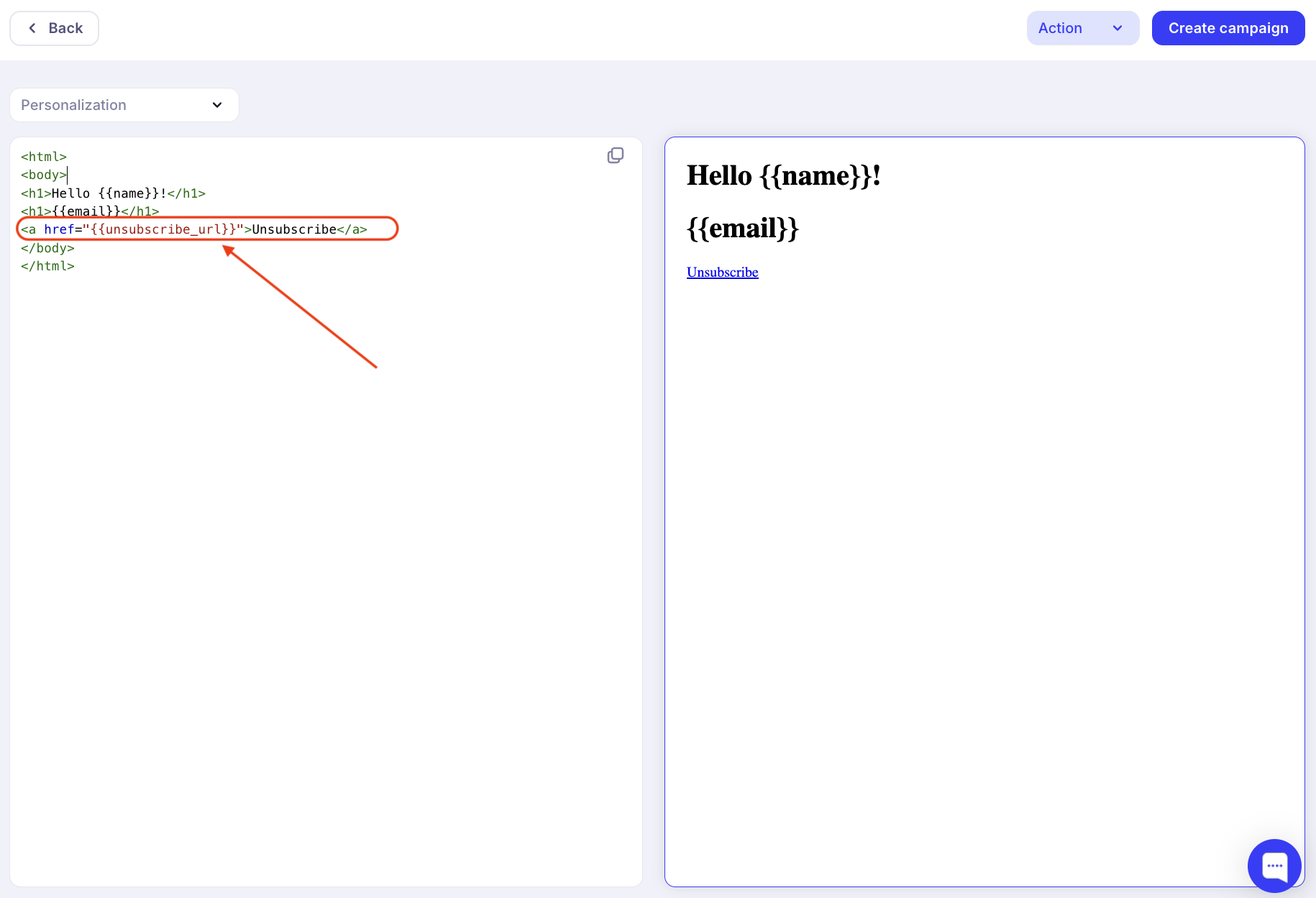
You can change the visual part by adding the necessary styles to the code, but for the link to work, this code is sufficient.
Important!
It should be noted that the system variable {{unsubscribe_url}} is case-sensitive. When adding {{Unsubscribe_url}} or {{unsubscribe_Url}}, your link will not work correctly.