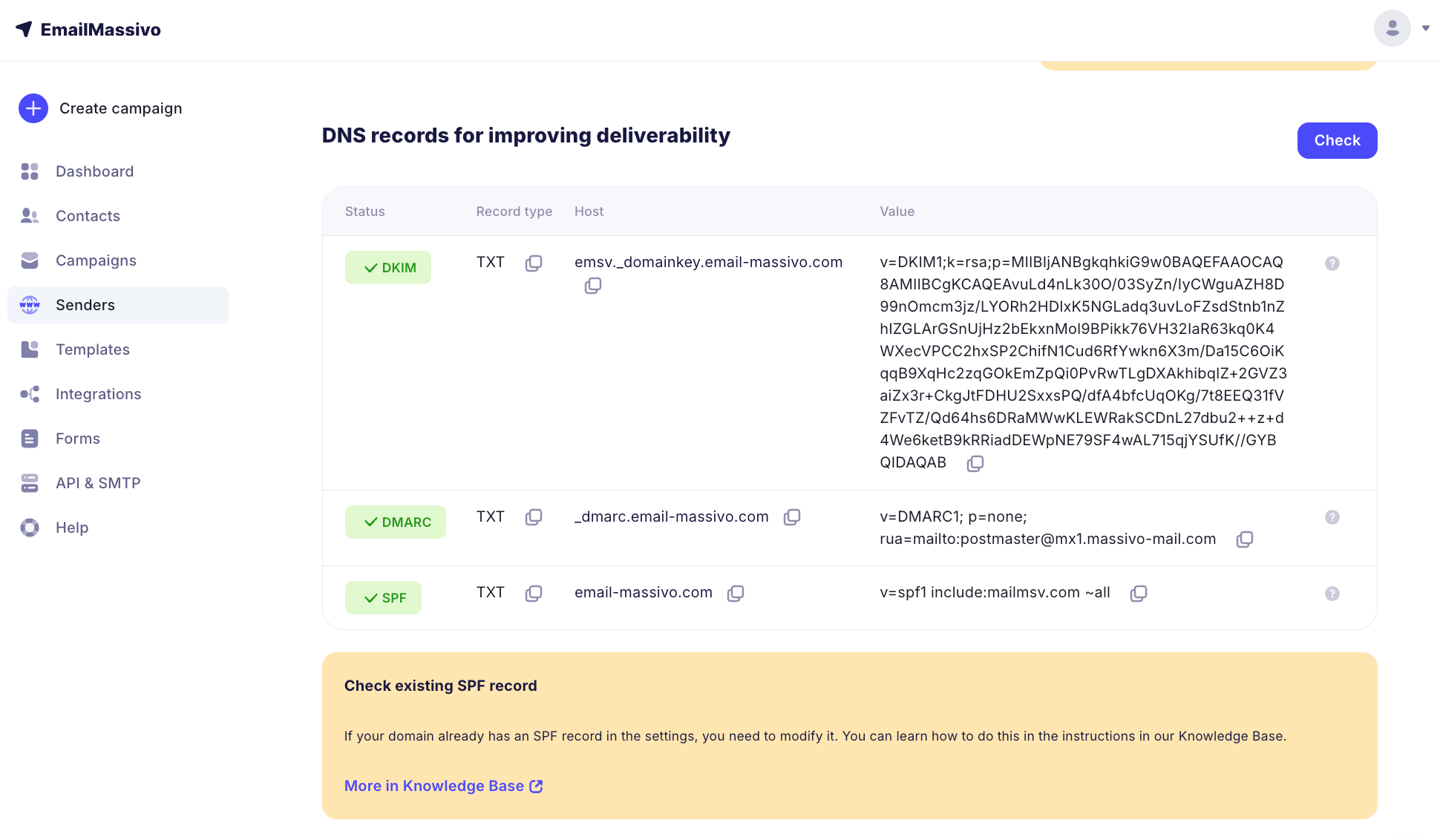
¶ If Your Domain Registrar Doesn't Accept Records Longer Than 225 Characters
How to properly split a DKIM record
Some services don't accept the DKIM record we provide in full because they have a length limit for the value. In this case, you need to split the existing record into two parts. The record is actually one, but split inside with quotes.
Important!
Different registrars split records differently. You can try editing and placing such a record yourself (for example, with a space or Enter key), contact your registrar's support, or write to our technical support so we can change this record and send you a corrected version.
For clarity, let's illustrate the splitting formula like this. For example, the original record looks like this:
originalrecordforverification
We divide it into two parts in the middle and enclose the two resulting fragments in quotes:
"originalrecord" "forverification"
In this case, there should be no other spaces, line breaks, or indents in the record text. Only between the two parts of the records enclosed in quotes.
Here's how to do this with a record from EmailMassivo. First, copy the original record:
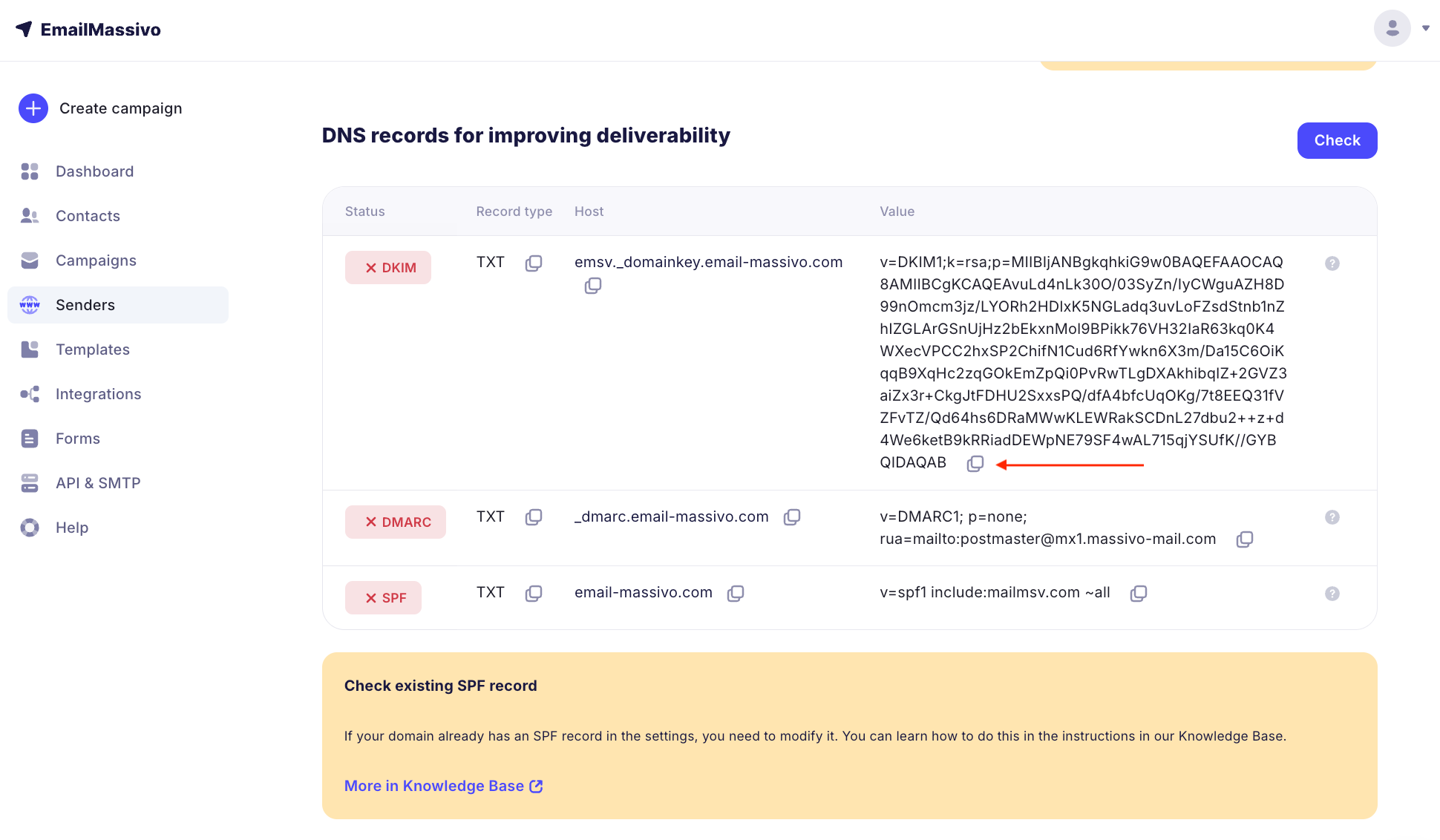
Paste it into the "Value" or "Data" field in the TXT record of your domain and visually divide it into two equal parts. At this point, put a separator that suits your registrar, enclose the resulting two fragments in quotes (if required), and save.
When all records are set in your domain settings, return to EmailMassivo and click the "Check" button. Records in domain settings don't update instantly; this usually happens within a few hours.
If all records are added correctly, your domain will be verified. Congratulations, now you can send campaigns for moderation!