¶ Email Campaign Statuses
At different stages of creating a campaign, it can be in various statuses and states. In this guide, we will explain in detail what each status means.
¶ Campaign Status «Draft»
To move a campaign to Draft, you can:
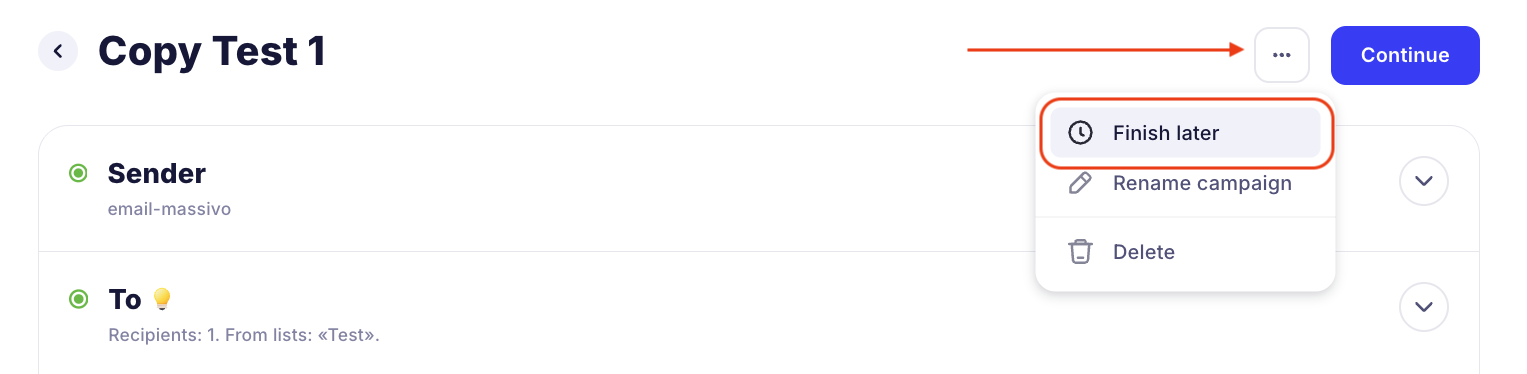
- save the campaign when creating it by clicking the "Finish later" button
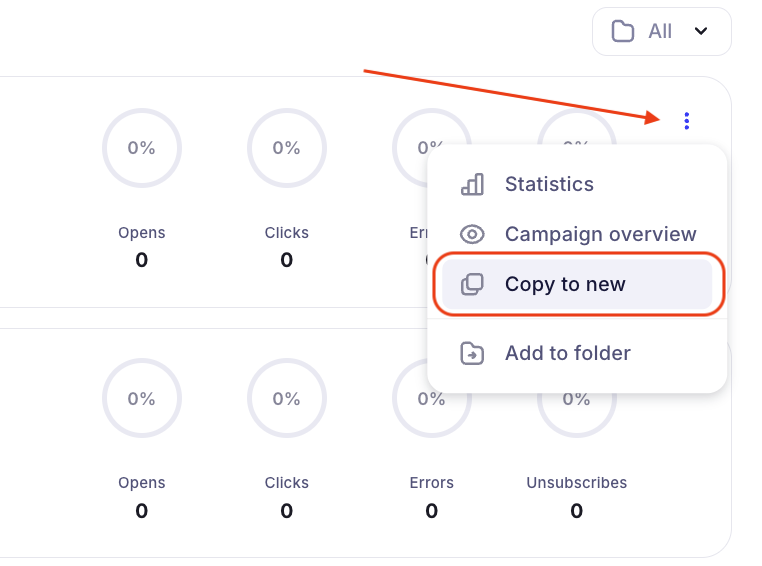
- copy the campaign from Completed to New
¶ Campaign Status «Under review»
After you create a campaign and click the "Send" button, the campaign is sent for moderation.
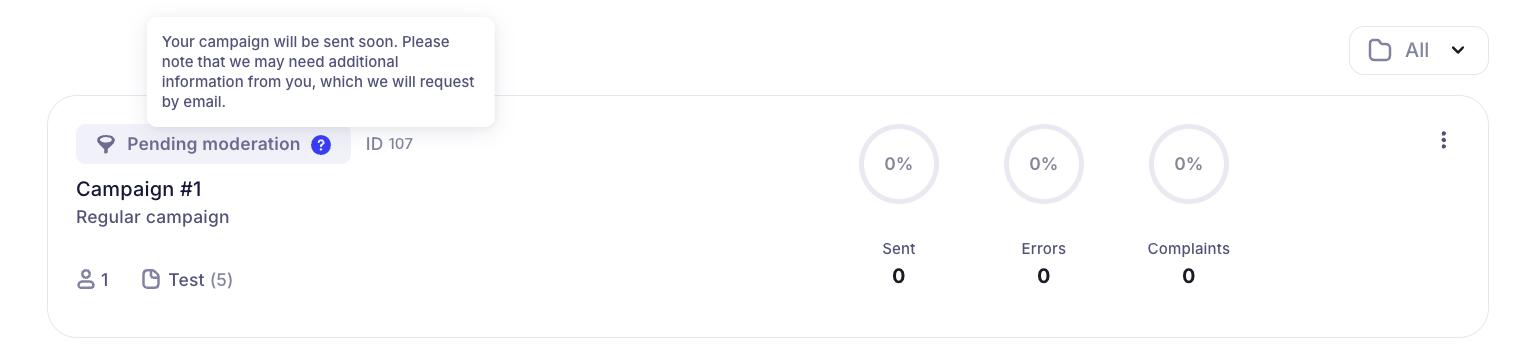
Campaign moderation takes from a few minutes to several hours, depending on the size of your contact base, the frequency of sending campaigns, and many other factors.
If moderation takes too long, contact our support team in the online chat.
¶ Campaign Status «Rejected»
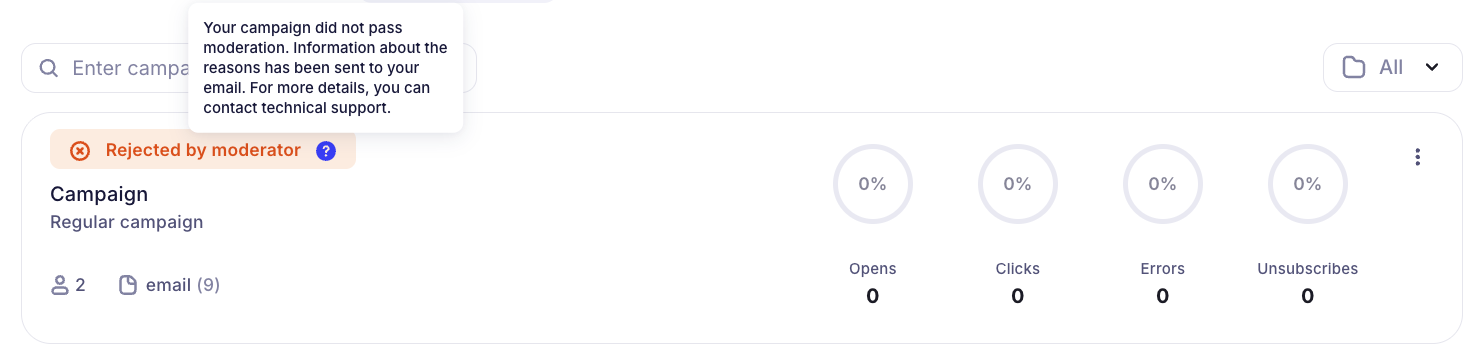
If your campaign violates our service rules or anti-spam policy, it may be rejected by a moderator. This campaign cannot be launched or deleted, but you can copy it to a new one, fix the moderator's comments, and send the campaign for moderation again.
¶ Campaign Status «Sending»
After passing moderation, the campaign is prepared for sending. If the campaign is large, you may see this status:
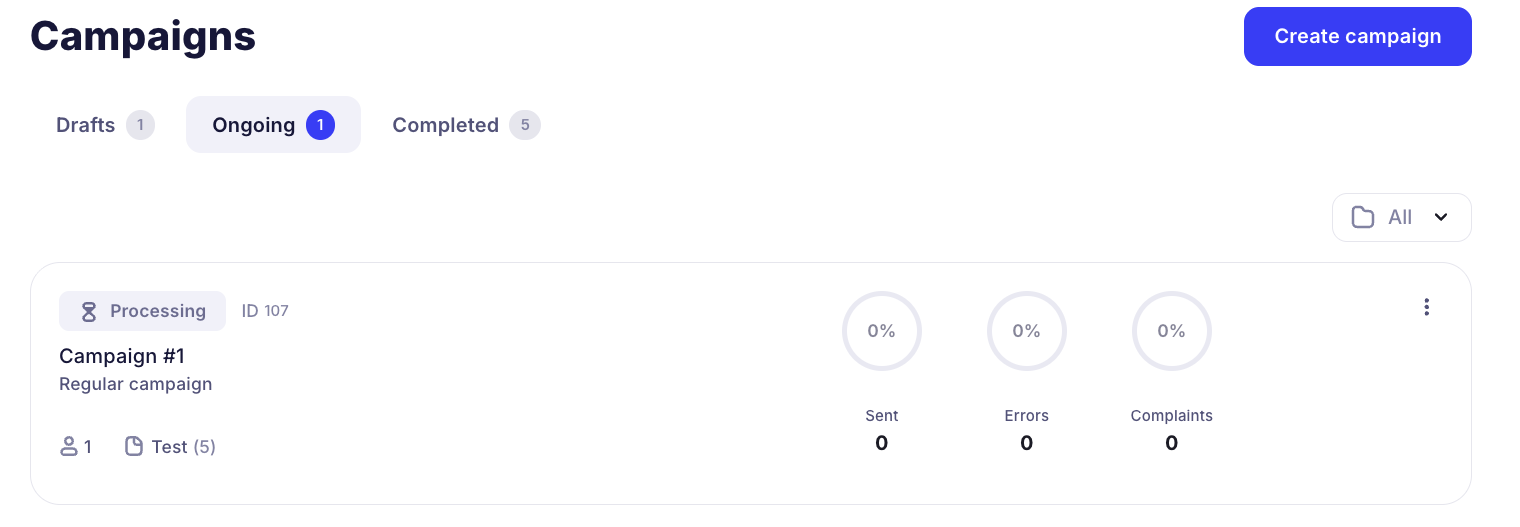
It means that the campaign will start sending soon.
¶ Campaign Status «Paused»
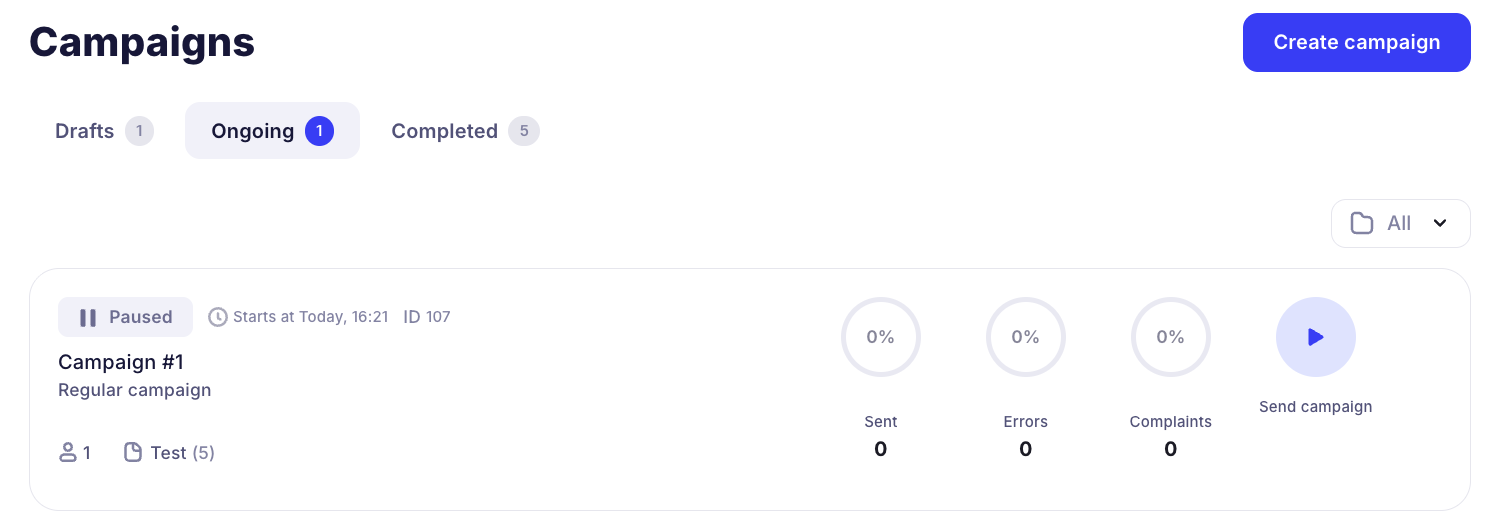
A paused campaign can be launched at any time, it will continue sending:
¶ Campaign Status «Completed»
Great! Your campaign has been successfully completed, you can enjoy the statistics 🙂

¶ Campaign Status «Suspended»
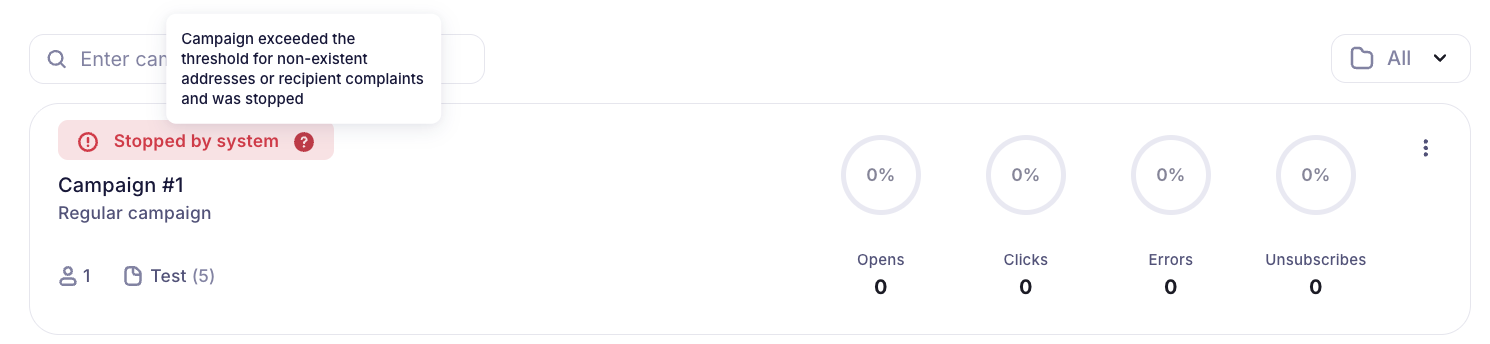
If something goes wrong with your campaign during sending, it will be stopped by the system. You can see the reasons for the system stop in the campaign statistics or check with the support team via online chat.
The most likely reasons for stopping a campaign:
- many non-existent emails in recipients
- subscribers complain about the campaign
- the percentage of allowable errors when sending the campaign is exceeded